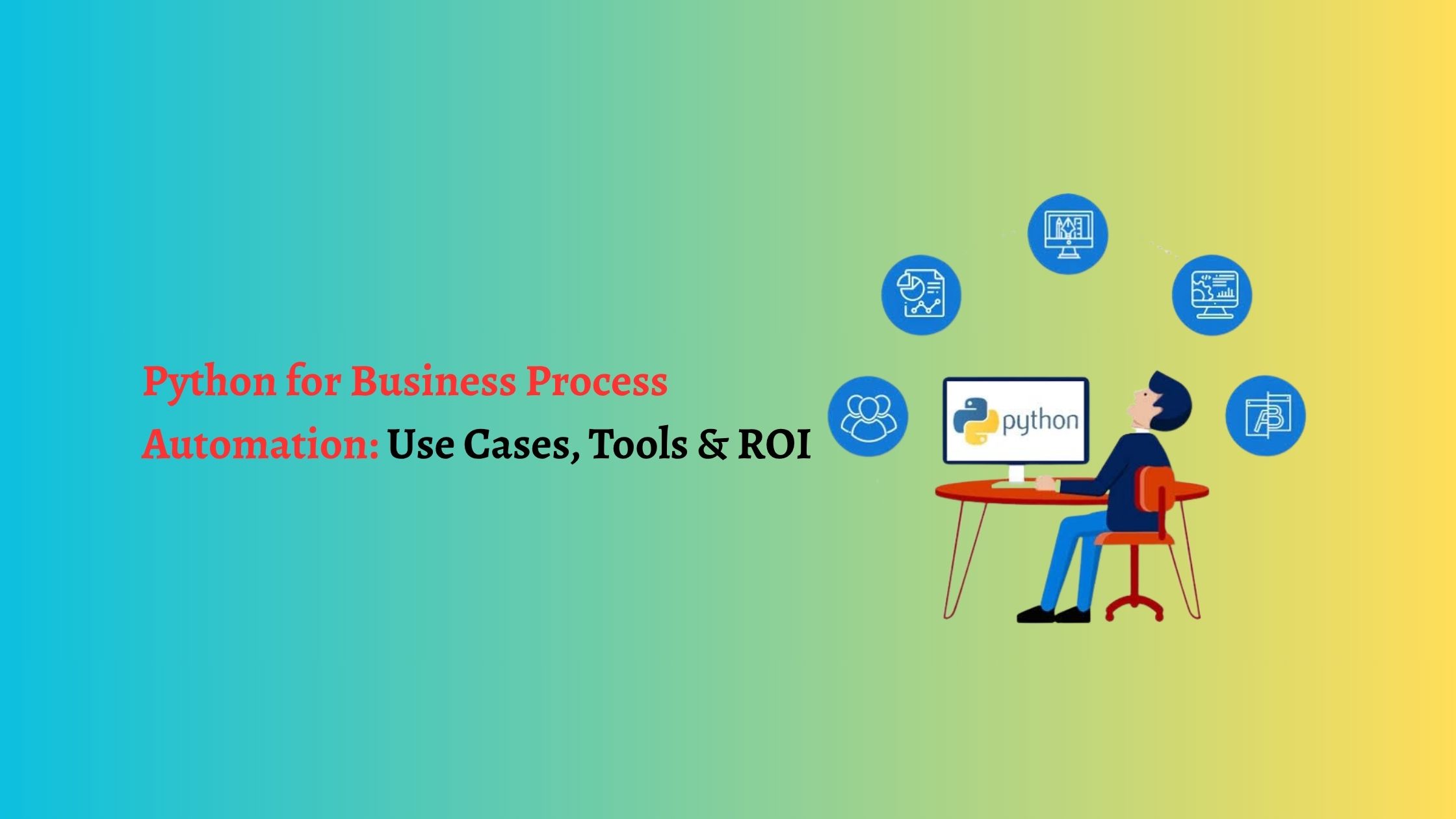
A finance team spends the first three business days of every month pulling numbers from four systems into one spreadsheet. Same columns, same formatting, same email to the same five people. Two people lose most of a week to it. A Python script can do that same job in under a minute, on a schedule, with nobody watching.
That gap is what python automation means for most companies. Not robots. Not AI hype. Repetitive, rule-based work handed to code that never gets bored, never takes a sick day, and never fat-fingers a number at 6 p.m. Python is the default choice for it because the language reads almost like plain English, its standard library is deep, and there is a mature, well-documented package for nearly every system you might need to reach.
What businesses actually automate with Python
Picture the tasks your team does the same way every week. A support lead exports tickets to a spreadsheet each Friday, tags them by type, and pastes the totals into a slide. Predictable inputs, fixed rules, a clear output. That is a perfect first candidate. The high-value targets usually fall into a few buckets:
- Reporting. Pull data from a database, a CRM, and an ad platform, merge it, and drop a formatted Excel or PDF into a shared folder with a short email summary, every morning, on time.
- Data entry and cleanup. Read incoming files, validate fields, remove duplicates, and push clean records into a database or a SaaS tool through its API.
- File operations. Rename, sort, compress, and move thousands of files by rule. Convert CSVs to Excel, split PDFs, or watch a folder and act the moment something lands.
- System integrations. Keep two tools in sync that were never built to talk, such as copying paid invoices from billing into accounting software every hour.
- Notifications. Watch a metric, an inbox, or a log file and post to Slack or email when something crosses a line.
- Web scraping. Collect prices, listings, or public records on a schedule and store them for analysis.
None of these need machine learning. They need a script that runs reliably and fails loudly when something breaks.
The Python automation toolkit
You can cover most of the work above with a small, dependable set of tools:
- requests for talking to REST APIs, the backbone of most integrations.
- pandas and openpyxl for cleaning tabular data and reading or writing Excel.
- cron or the schedule library for simple time-based runs.
- Airflow or Prefect once jobs grow into multi-step pipelines that need dependencies, retries, and monitoring.
- smtplib, the Slack SDK, or Twilio for alerts.
- Playwright or Selenium when a task only lives inside a browser with no API behind it.
A first script rarely needs more than a few lines:
import pandas as pd
import requests
orders = requests.get(“https://api.example.com/orders”).json()
df = pd.DataFrame(orders)
summary = df.groupby(“region”)[“total”].sum()
summary.to_excel(“weekly_sales.xlsx”)
That is the whole idea. As a task grows, with more sources, real scheduling, and proper error handling, the structure starts to matter, and the patterns overlap heavily with building reliable data pipelines. When a job needs judgment rather than fixed rules, like reading messy invoices, classifying support tickets, or extracting fields from contracts, that is the point where automation graduates into AI development, usually built on the same Python foundation described in Python for AI and machine learning.
Build your own vs. off-the-shelf RPA
Two roads lead to the same place. Licensed RPA platforms like UiPath or Automation Anywhere give you a visual builder and prebuilt connectors, which suits non-developers automating desktop clicks. Custom Python gives you full control, no per-bot license fees, and code you actually own.
A rough rule: if the work is clicking through a legacy Windows app that has no API, RPA earns its keep. If the work involves APIs, files, and data, which describes most back-office work, Python is usually cheaper to run and far easier to change. RPA bots that drive a user interface also tend to break when that screen shifts, so click-based automation carries a quiet maintenance tax that API-based Python code avoids. The two are compared in more depth in Python vs. RPA tools. Many teams end up wrapping their scripts into a small internal tool with a dashboard and access controls, which is really a custom software project with automation at its core.
How to think about ROI
Keep the math simple and honest. Pick one task. Estimate the hours it eats per month, multiply by a loaded hourly cost, and that is your annual savings ceiling. Compare it against a one-time build plus a modest yearly allowance for maintenance.
Say a task consumes ten hours a month. At a conservative loaded rate, that is well over a hundred hours a year returned to the team, and the build usually pays for itself inside the first year and keeps paying after. Two benefits rarely show up in the spreadsheet but matter just as much: errors drop, because the script does the same thing every time, and the work stops depending on one person who happens to know the routine. Skip tasks that run once a quarter or change shape constantly, because the upkeep will outweigh the gain.
To prioritize across many candidates, score each on three things: how many hours it takes, how often it runs, and how stable the rules are. A weekly, stable, ten-hour task beats a monthly, fragile, forty-hour one almost every time, because the stable task keeps returning value without dragging you back for constant fixes.
A realistic first project
Take the monthly report from the opening. The build looks like this: connect to each source with requests or a database driver, load the four datasets into pandas, join and total them, and write a formatted workbook with openpyxl. Email it through smtplib, and schedule the whole thing with cron for 7 a.m. on the first business day. Then add the two parts people skip: logging, so every run leaves a trail, and a failure alert to Slack, so a broken run pings a human instead of failing silently. That last habit is what separates a script that survives for years from one that gets abandoned after its first surprise. Once that pipeline is stable, extending it is cheap: add a fifth data source, push the output to a dashboard instead of a folder, or trigger it from an event rather than a clock. The first build is the expensive one; everything after reuses the same plumbing.
Where to start
Pick the single most annoying recurring task on your team, ideally one that runs weekly and follows clear rules. Automate that one end to end, alert included. A quick way in is our list of business tasks you can automate this week. Once one script proves itself, the next few are easy to justify. The teams that get the most from automation treat it as real engineering, not throwaway scripts, with version control, logging, and a clear owner, which is exactly how our Python development team approaches every build.
If a handful of manual routines are quietly eating your team’s week, we can help you find the ones worth automating and build them to last. See our Python development services or tell us about your workflow, and we will map the fastest payback first.